Google SERPs have evolved beyond recognition over the past decade.
Instead of a minimalistic list of clickable search results, we are now served highly visual, often interactive search results in various formats, including videos and images.
Many of those search results and search sections provide additional opportunities for brand visibility, and one of these visual search sections is “video carousels”.
What are video carousels?
A video carousel is a standalone section within Google SERPs containing relevant videos.
Video carousels are triggered on both mobile and desktop search results, and on both they really stand out. Here’s one on desktop:

Google’s Video Carousels
And here’s a video carousel on a mobile device:

Google Video Carousel on Mobile Device
As you can see, this search section is very hard to miss!
Note that “key moments” section: This allows to jump to a particular part of the video driving a highly engaged click into the video:

Key moments on Google Video Carousels
Some of these “key moments” may be unfolded by default which makes that section stand out even more. There’s a quick tip on optimizing your video for “key moments” below.
How common are video carousels?
According to Mozcast, video carousels consistently show up for almost one fifth of all SERPs.

How common are Google Video Carousels?
But in reality, we see them for every other search.
For some queries, carousels appear right below the #1 position, for others they appear lower.
How do I rank my content in Google Video Carousels?
The benefit of ranking here is obvious: extra brand visibility and funnel traffic.
Videos are especially effective when there’s commercial intent.
The good news: ranking in Google’s video carousels is quite doable.
Here are the required steps:
Step 1: Find your opportunities
Not all SERPs trigger video carousels. Identify video-friendly queries.
Keyword research is essential.
Using Ahrefs, you can filter keywords that trigger video carousels.
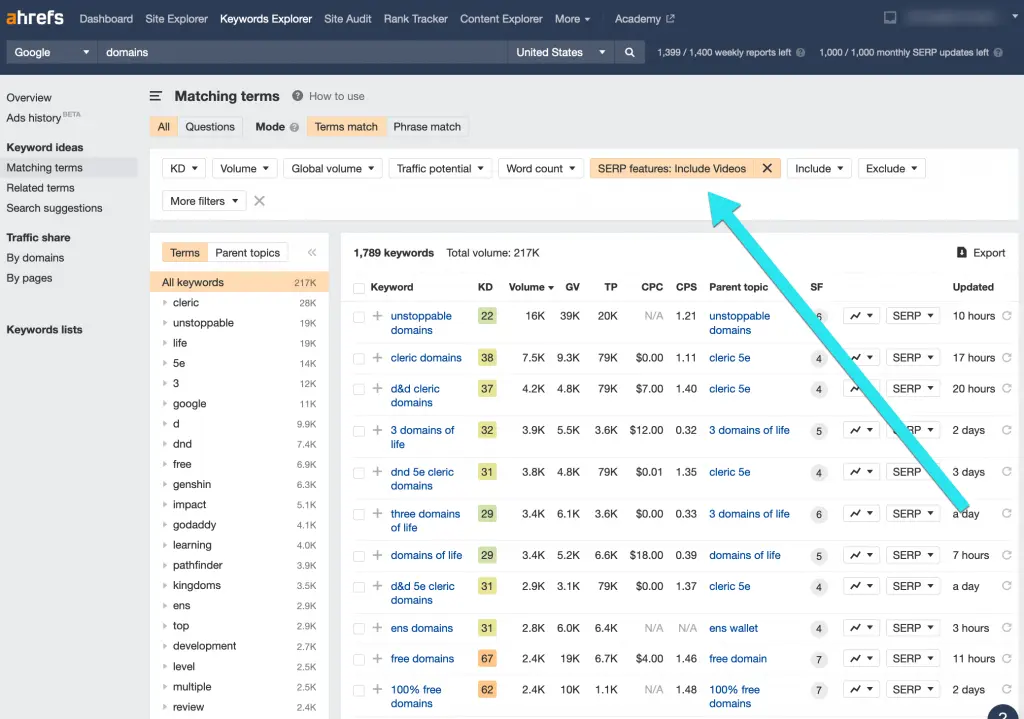
ahrefs Dashboard Video Filter
Stick to topics with transactional intent.
Step 2: Put together your video content
Videos are easy to create today. A smartphone camera is enough.
For screencasts, tools like Zoom or iMovie work well.
Don’t overcomplicate production.
Step 3: Upload to YouTube
YouTube is the most SEO-friendly video platform.
Most video carousels feature YouTube videos.
Step 4: Add text context to your YouTube Site
Google still appreciates textual content. Even Google reps admit this.
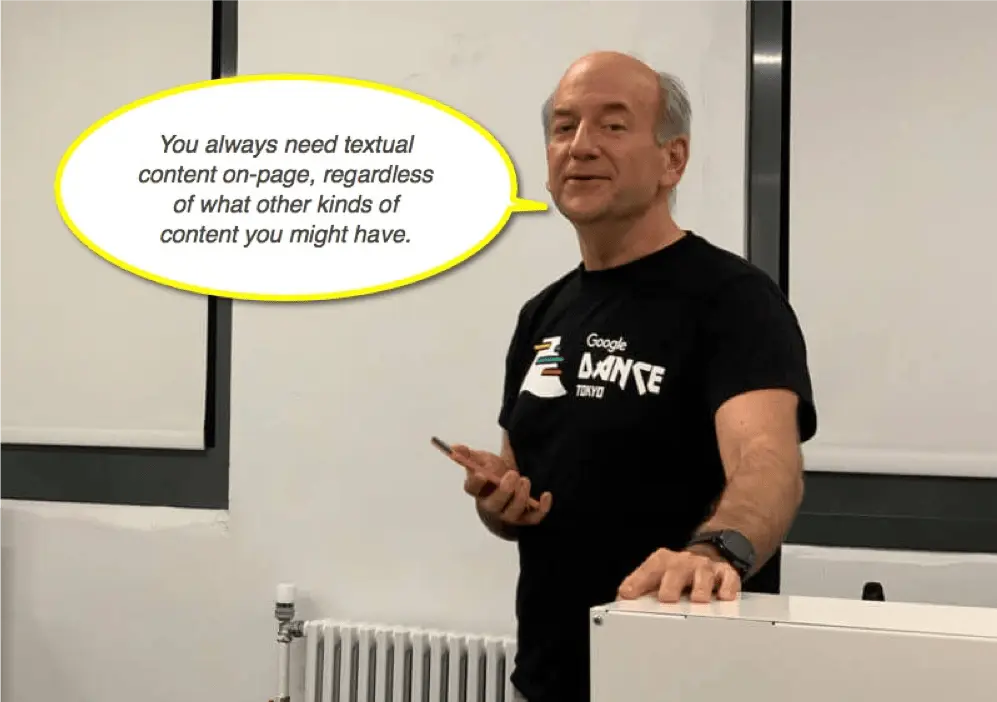
Making Google’s life easier is always a good idea:
- Add a keyword-rich video title
- Create a detailed video description
Helpful content always matters.
Step 5: Add a clickable table of contents
YouTube timestamps create a clickable table of contents.
Create clickable timestamps to generate key moments.
Step 6: Link to your video page from your site
Links are still crucial.
Link to your YouTube page using text links.
Conclusion
Video carousels offer strong organic visibility opportunities.
Useful videos and basic SEO are all you need.
Disclaimer
The contents of this blog are for informational and educational purposes only. They do not constitute professional SEO, GEO, AEO, ASO, or digital PR advice and should not be relied upon as such. We recommend consulting with an SEO expert before implementing any strategies. UR Digital accepts no responsibility or liability for any outcomes resulting from actions taken in reliance on the information contained in this content. Links to third-party websites are provided for reference purposes only. We do not endorse or guarantee the accuracy, relevance, or completeness of their content.