In-page video works when it has a clear job, loads fast, and respects users. Keep intros and testimonials short, add captions and transcripts, avoid autoplay with sound, and place videos near relevant copy. Track play rate, watch time, and conversions, then refine structure, thumbnails, and CTAs.
[text_lm]
Introduction
If your videos auto plays with sound and covers half the screen, this guide is for you.
Used properly, video is a credibility bomb. It keeps people on the page longer, answers objections faster, and makes you look like you know what you are doing. Used badly, it slows your site, irritates users, and gives marketing teams a stress rash.
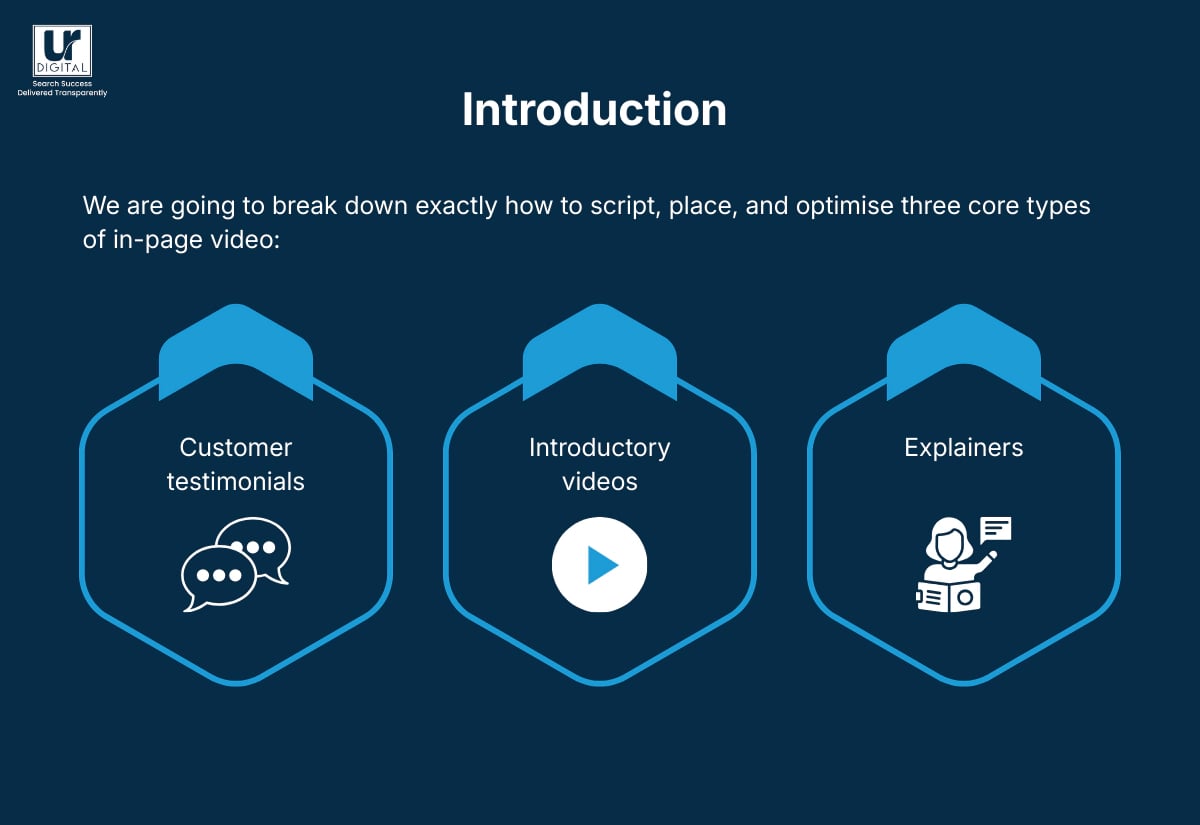
We are going to break down exactly how to script, place, and optimise three core types of in-page video:
- Testimonials
- Introductory videos
- Explainers
Plus, the technical, SEO, and accessibility rules that keep you on the right side of users and search engines.
Before you proceed, we are obliged to tell you that while we express opinions on “best” or “ideal” practices for in-page video content, we have deviated from them as and when we saw fit and we respect your discretion to do what you feel is right for your website.
Download our FREE In-Page Video SEO Mastery Kit to a detailed, step-by-step guide on how to optimise in-page videos for a landing page.
[image_lm]
Importance of Videos on High Value Pages
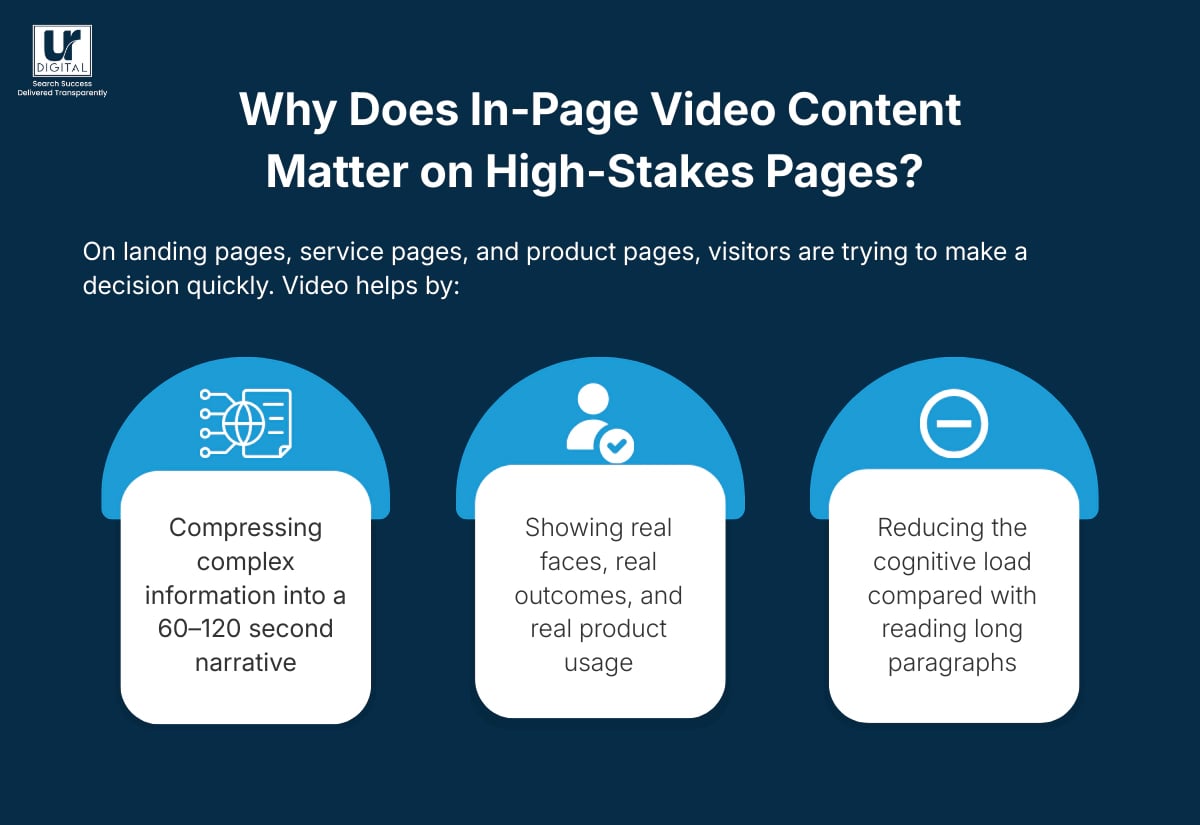
On landing pages, service pages, and product pages, visitors are vetting your business and trying to decide. Video helps by:
- Compressing complex information into a 60–120 second narrative
- Showing real faces, real outcomes, and real product usage
- Reducing the cognitive load compared with reading long paragraphs
Video also creates strong trust signals for industries that rely on proof, for example, SEO and GEO, financial services, healthcare, legal, B2B and others. When someone can see and hear a real customer, or watch a system demo, the risk feels lower and the perceived value feels higher.
The goal is not “have more video”. The goal is “have the right videos in the right places, doing a specific job”.
Download the In-Page Video SEO Mastery Kit.
[image_lm]
Core principles that apply to all videos
All great videos obey the same rules, regardless of format.
Primary role of video content
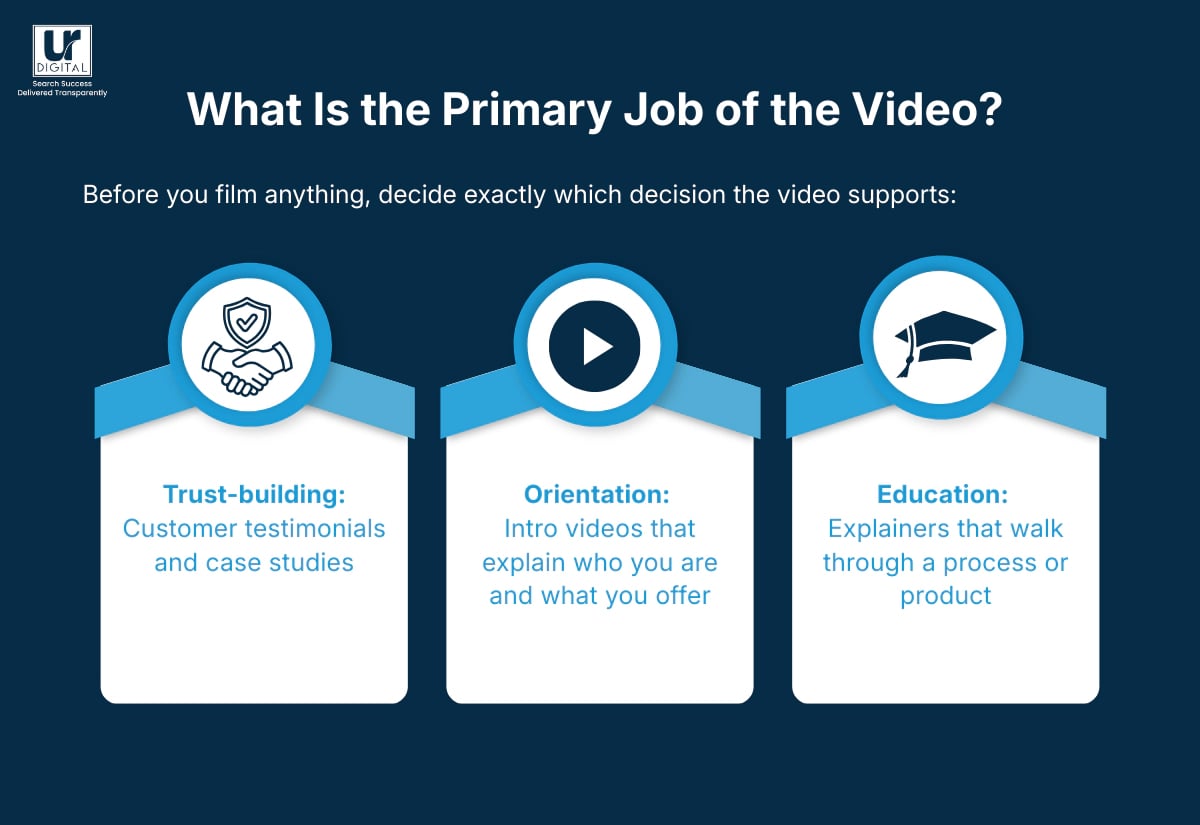
Before you film anything, decide exactly which decision the video supports:
- Trust-building: Customer testimonials and case studies
- Orientation: Intro videos that explain who you are and what you offer
- Education: Explainers that walk through a process or product
If a video tries to introduce the brand, show four testimonials, and explain the product roadmap in one go, it may confuse viewers and underperform.
Ideal length of web video content
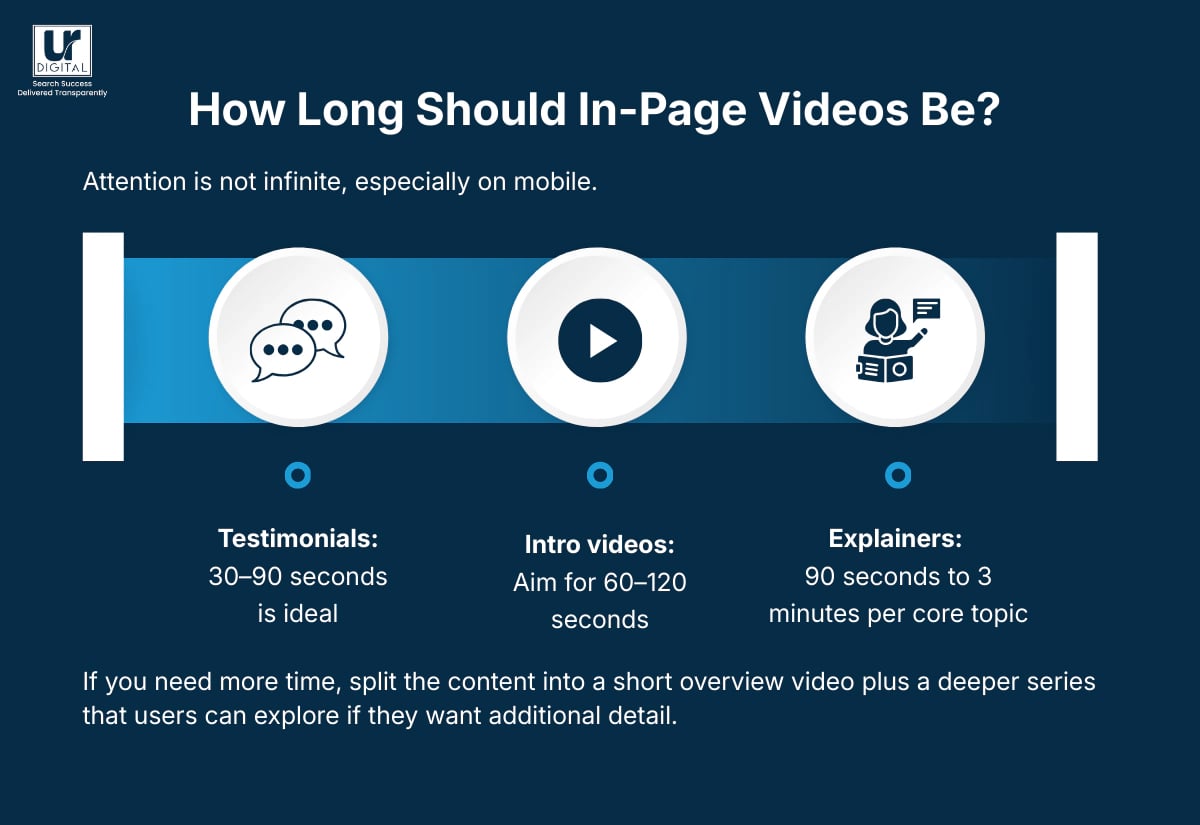
Attention is not infinite, especially on mobile.
- Testimonials: 30–90 seconds is ideal (FYI, we are guilty of not following this)
- Intro videos: Aim for 60–120 seconds
- Explainers: 90 seconds to 3 minutes per core topic
If you need more time, split the content into a short overview video plus a deeper series that users can explore if they want additional detail.
How Should Video Look and Behave?
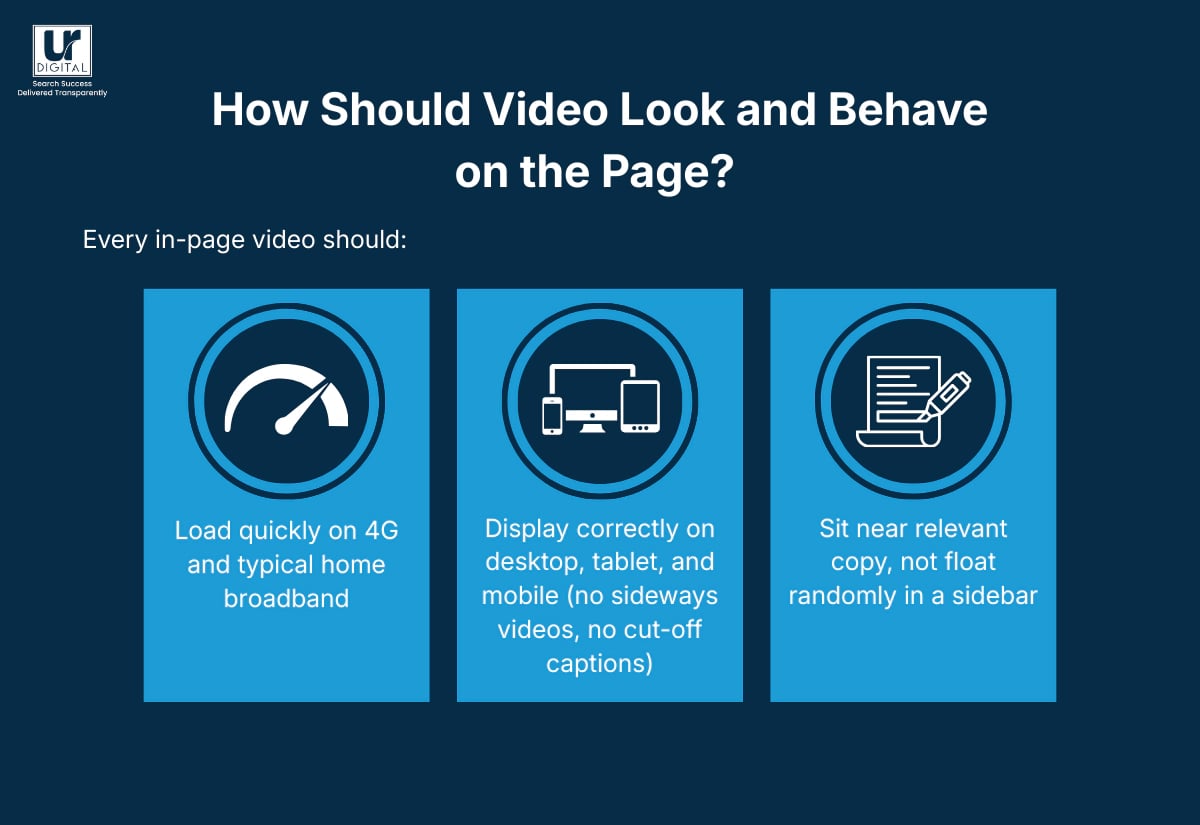
Every in-page video should:
- Load fast, very fast
- Display correctly on desktop, tablet, and mobile (no sideways videos, no cut-off captions)
- Sit near relevant copy, not float randomly in a sidebar
Place key videos above the fold or immediately after a strong headline and summary. Do not bury your testimonial or explainer beneath six screens of text and then complain that “video does not work”.
Making videos accessible and compliant
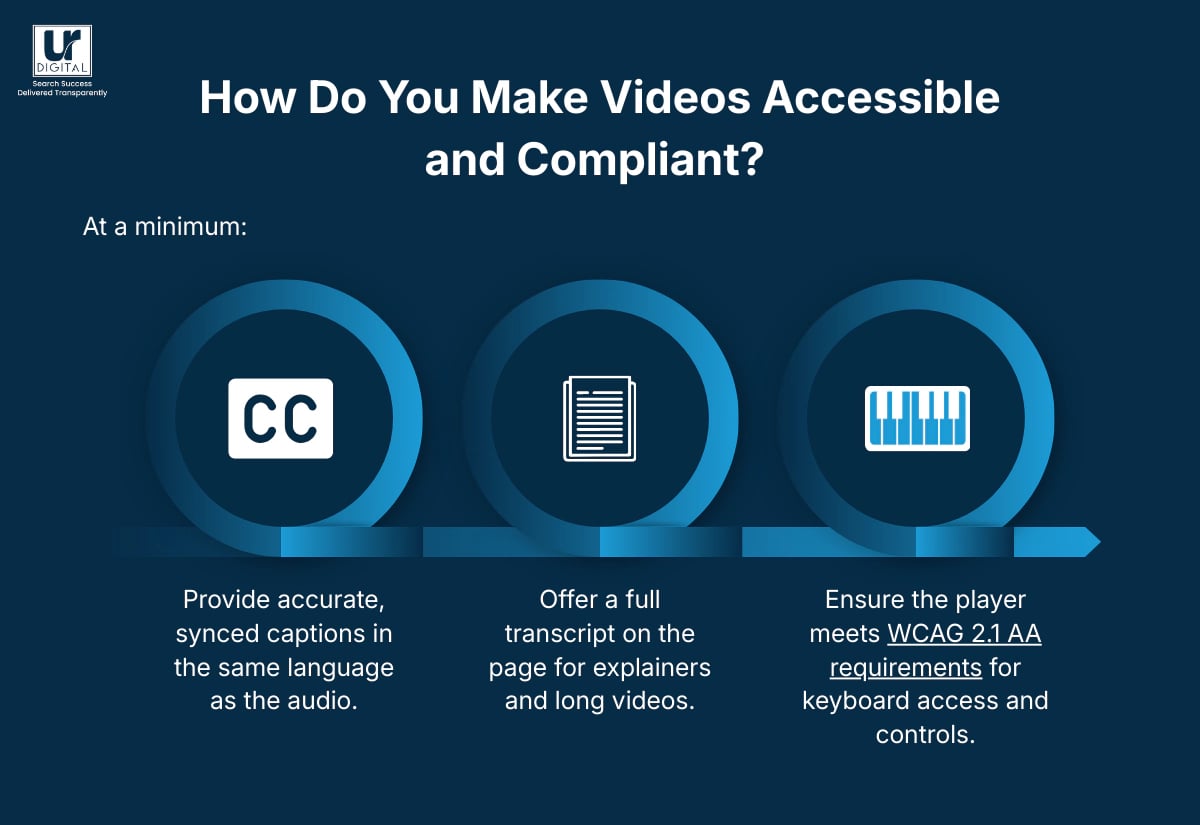
At a minimum:
- Provide accurate, synced captions in the same language as the audio.
- Offer a full transcript on the page for explainers and long videos. (We are guilty of not doing this, but it is coming).
- Ensure the player meets WCAG 2.1 AA requirements for keyboard access and controls.
Treat accessibility as mandatory, not optional. It is better for users, and, in many cases, may be required by policy or law.
Download the FREE In-Page Video SEO Mastery Kit.
[text_lm]
Structuring customer testimonial videos
Testimonial videos are not mini-documentaries. They are focused proof that someone like your prospect got a result they care about.
Story structure that works best for video content
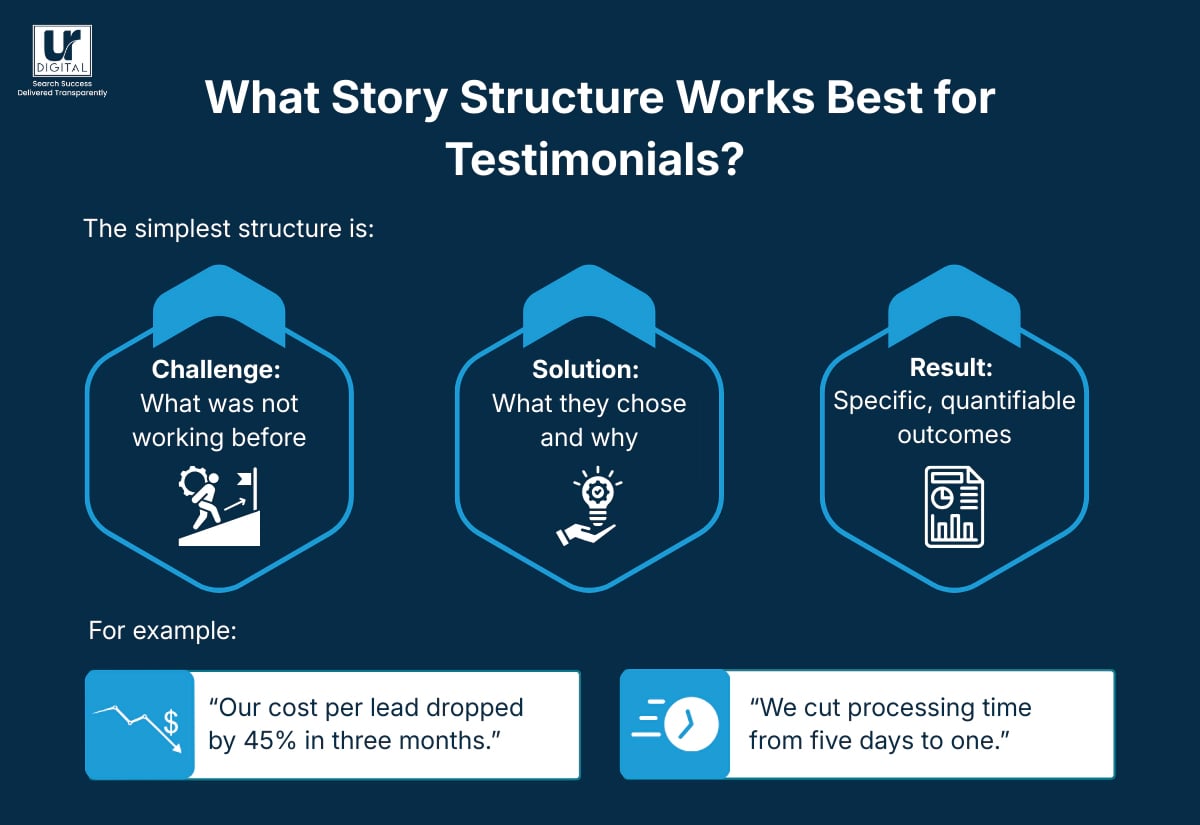
The simplest structure is:
- Challenge: What was not working before
- Solution: What they chose and why
- Result: Specific, quantifiable outcomes
For example:
- “Our cost per lead dropped by 45% in three months.”
- “We cut processing time from five days to one.”
Avoid vague lines such as “things got better” or “we grew a lot”. Push for specific metrics, timeframes, or qualitative improvements.
Keeping testimonials authentic
The fastest way to ruin a testimonial is to over-script it.
- Use real customers in their own environments wherever possible.
- Brief them on the points you want to cover but let them use their own words.
- Ask open questions such as “What was happening before you reached out to us?” or “What changed in the first 90 days?”
If you need to tidy up for time, edit the footage rather than asking them to memorise lines.
What Production Details Matter for Testimonial Videos?
Good testimonial videos have:
- Clear audio: A cheap lapel mic with echo does not beat an expensive camera.
- Consistent framing: Shoulders and head in frame, no distractions behind.
- Supporting visuals: Overlays of product screens, dashboards, or “day in the life” footage
Use on-screen text to reinforce key stats or short quotes. On mobile, many people watch with sound off first, so the combination of video plus captions plus overlays makes a difference.
Non-negotiable legal requirements for videos.
Before filming or publishing, you should:
- Obtain written consent covering usage on your website, social channels, ads, and sales materials.
- Confirm the customer has authority to speak on behalf of their organisation.
- Review the script or edited video for claims that would need substantiation.
If you show any third-party logos, products, or locations, check that you are not accidentally infringing on trademarks or licensing terms.
Download our FREE In-Page Video SEO Mastery Kit
[text_lm]
Creating videos that convert
Introductory videos are for first-time visitors who ask, “Who are you, and why should I care?” They should feel sharp, confident, and aligned with the rest of your brand.
What Should an Introductory Video Cover?
In roughly 60–120 seconds, aim to answer:
- Who you are?
- What you do?
- Why should they trust you?
If the video tries to cover your full company history, every service, and a full product demo, you will lose the viewer.
The power of a strong hook
The first frame and the first line should tell viewers they are in the right place.
Strong openings include:
- A direct question: “Spending too much on paid traffic that does not convert?”
- A bold statement: “Most businesses waste half their marketing budget. We stop that.”
- A quick before/after: “Three months ago, your reports looked like this. Here is what they can look like instead.”
Avoid generic openers like “Hi, welcome to our website” unless it’s intentional and you’re absolutely sure it leads to something meaningful. Otherwise, by the time you finish that sentence, your viewers will have already scrolled past.
Maintaining brand consistency in intro videos
Make sure your:
- Tone matches your website copy and sales conversations
- Visuals align with your brand colours, typography, and photography style
- Call to action mirrors the primary CTA on the page (for example, “Book A Strategy Call”, “Start Free Trial”)
Use the same logo lockup and lower-third style across your intro videos so they look like part of one coherent system, not random one-offs.
Download our FREE In-Page Video SEO Mastery Kit
[image_lm]
Planning clarity and precision for explainer videos
Explainer videos handle complexity. They translate jargon, technical detail, and multi-step processes into something a smart but busy user can follow.
Structuring explainer videos
The most effective format is:
- Problem statement: What the viewer is trying to fix or achieve
- High-level solution: How your approach works in plain English
- Step-by-step walkthrough: Screens, diagrams, or real footage
- Summary and CTA: What happens next and where to click
Each explainer should focus on a single process or question. If you catch yourself saying “and while we are here, let us also cover…”, that is a second video, not a tangent.
Ideal length of explainer videos
For most topics, 90 seconds to 3 minutes is enough to:
- Present the core concept
- Walk through one clear example
- Point to further documentation or support
For more technical or regulated content, break things into a series (for example, Part 1: Overview, Part 2: Setup, Part 3: Troubleshooting). This way, viewers can jump to the exact level of detail they need.
Making explainer videos easier to learn from
To make explainer videos more effective:
- Use real interfaces, not static mock-ups, where possible.
- Zoom in on important controls, settings, or fields.
- Pause briefly at key steps so viewers can process before moving on.
- Offer a downloadable checklist, guide, or PDF beneath the video.
Always include a full transcript and clear headings on the page. Many people prefer to skim the written version first and then watch selected sections.
Download our FREE In-Page Video SEO Mastery Kit
[text_lm]
Technical, Compliance, and Accessibility Rules you must follow
You can have the best story in the world and still lose if your player breaks or your page drags.
Hosting your videos
Choose a platform that offers:
- Reliable performance and adaptive streaming
- Control over privacy, embedding, and playback
- Analytics on plays, watch time, and engagement
Common options include YouTube, Vimeo, and Wistia. For regulated industries, check data residency, privacy policies, and ad-related settings before you commit.
Most small businesses upload their videos on YouTube and then embed it on their website. Whilst as a standalone this practice is fine, very easy and convenient to use; analytics is not possible. I recommend you upload your videos on CloudFlare Stream which allows 1000 minutes of videos to be stored and delivered for just $5/month (FYI, we do not earn any commissions from Cloudflare and are not their affiliate partner).
Fact: All videos and images on this website are hosted on Cloudflare Stream.
Video Playback Behaviour
Respect users and their devices:
- Avoid autoplay with sound because it feels intrusive and can breach accessibility standards.
- If you use autoplay, keep it muted with clear controls for sound and pause.
- Provide visible controls for play, pause, volume, captions, and full-screen.
Test on real devices rather than assuming your design tool preview matches reality.
Speed and performance
To keep pages fast:
- Compress video files appropriately before upload.
- Use lazy loading so videos below the fold only load when needed.
- Serve responsive embeds that adapt to screen size.
- Use image placeholders
Monitor Core Web Vitals and adjust if your video implementation spikes load times or layout shift.
Legal and Compliance Issues
For every video, you should:
- Confirm you have licences for music, images, and stock footage.
- Avoid making unsubstantiated claims, especially about financial returns or health outcomes.
- Retain signed consent forms and release documents for testimonials and case studies.
If your industry has specific advertising standards or disclosure rules, have legal review final scripts and edits before publishing.
Disclaimer: This should not be treated as legal advice and we recommend consulting with your legal advisor.
Download our FREE In-Page Video SEO Mastery Kit
[image_lm]
Handling SEO, Analytics & On-Going Optimisation
If the video does not show up in search, or you never measure results, you are leaving value on the table.
How Do You Optimise In-Page Video For SEO?
At the page level:
- Add org VideoObject markup for all videos.
- Use descriptive, factual titles and descriptions that match the page topic.
- Provide a full transcript with headings that reflect real queries.
At the media level:
- Choose a custom thumbnail with clear branding and legible text.
- Avoid click-bait thumbnails that do not match the actual content.
- Keep filenames descriptive rather than using default “final-video-3.mp4” labels.
These steps help search engines and AI systems understand what the video covers, when to surface it, and where it fits in your broader topic clusters.
Tracking video performance
Useful metrics include:
- Play rate: How many page visitors start the video
- Watch time and completion rate: How far viewers get before dropping off
- CTA clicks: How often viewers take the desired action after watching
- Impact on conversion rate: Test pages with and without video
Use these numbers to make specific changes. Tighten the opening, adjust the length, move the video higher on the page, or change the CTA timing.
How Do You Iterate Without Guessing?
Set up a simple testing plan:
- Pick one variable – thumbnail, opening line, or CTA placement.
- Run an A/B test or cohort comparison for a defined period.
- Keep the winner, then test the next element.
Over time, this gives you a proven formula for testimonial pages, intro sections, and explainer hubs, rather than relying on taste or internal opinions.
Download our FREE In-Page Video SEO Mastery Kit
[text_lm]
What Should You Do Now About Your In-Page Video SEO?
UR Digital can help you tighten video placement, schema, internal links, and page speed, then back it up with off-page work that builds authority, links, and brand demand. If you want in-page video that pulls its weight in traffic, leads, and revenue, book a strategy session with SEO Director Pulkit Agrawal and let us tune the entire funnel properly.
FAQs
What is the ideal length for an in-page testimonial video?
Aim for 30–90 seconds. That is usually enough time to cover the problem, solution, and result without losing attention. If you have a longer story, break it into a short highlight version plus a deeper case study video.
Should introductory videos use professional actors or real staff?
Use real staff or founders when you want authenticity and a closer connection with viewers. Use actors only if the brand demands a very polished, controlled presentation and you have scripts and direction tight enough to avoid sounding generic.
How should accessibility for deaf or hard-of-hearing users be handled?
Provide accurately synced captions on every video, plus a full transcript on the same page. Ensure the player supports keyboard navigation and meets WCAG 2.1 AA criteria for controls, contrast, and focus states.
What are the legal requirements for publishing customer video?
You should obtain signed release forms from all participants, verify that all claims are truthful and supportable, and avoid using copyrighted music, images, or footage without the appropriate licences.
How should explainer videos be structured for clarity?
Open with a clear problem statement, map out the solution at a high level, walk through each step with visuals or screen recordings, and end with a single, unambiguous CTA that points to the next step, such as booking a demo, reading documentation, or starting a trial.
Disclaimer
The contents of this blog are for informational and educational purposes only. They do not constitute professional SEO, GEO, AEO, ASO, or digital PR advice and should not be relied upon as such. We recommend consulting with an SEO expert before implementing any strategies. UR Digital accepts no responsibility or liability for any outcomes resulting from actions taken in reliance on the information contained in this content. Links to third-party websites are provided for reference purposes only. We do not endorse or guarantee the accuracy, relevance, or completeness of their content.