App Store Optimisation (ASO) is the process of improving your app’s visibility in various online stores through keyword optimisation, adding relevant metadata, and user engagement. This guide breaks down ASO step by step — from research and competitor analysis to execution and tracking.
This guide is suitable for:
- Businesses launching or re-launching an app
- App developers who wish to launch their app
Note: This guide does not cover link building and customer acquisition.
[text_lm]
Introduction
With over 1.58 million apps in Google Play Store and 2.42 million apps on Apple App Store, getting your app discovered is as hard as climbing Mount Everest. However, achieving this feat is only half the battle. Ensuring that users download your app and engage with your app are other common challenges developers face.
That’s where App Store Optimisation (ASO) comes in. In this guide, we’ll explain ASO and show you the steps required for enhancing your app. So, let’s start by understanding what is ASO.
What Is App Store Optimisation?
App Store Optimisation (ASO) is a process that makes your app easier to find and more appealing once people land on its page.
Instead of relying on costly paid ads, ASO drives organic installs by doing two things:
- Helping your app rank for the right search terms.
- Making your listing persuasive enough to turn views into downloads.
It involves improving your app’s title, description, keywords, visuals (icons, screenshots, videos), and managing reviews, ratings, and rankings. Done well, ASO optimisation is useful for:
- Attracting the right users
- Boosting installs
- Long-term growth
[text_lm]
Why ASO Matters for Mobile App Success?
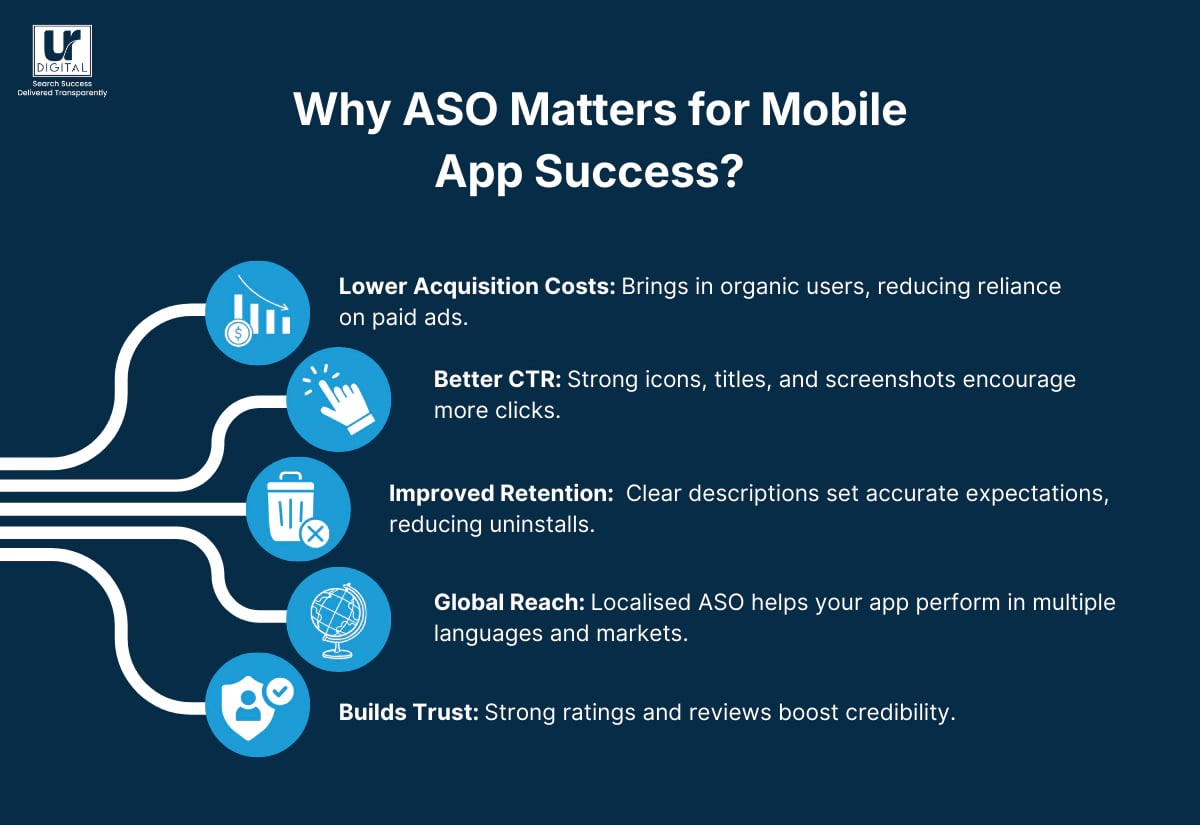
- Lower Acquisition Costs: Brings in organic users, reducing reliance on paid ads.
- Better CTR: Strong icons, titles, and screenshots encourage more clicks.
- Improved Retention: Clear descriptions set accurate expectations, reducing uninstalls.
- Global Reach: Localised ASO helps your app perform in multiple languages and markets.
- Builds Trust: Strong ratings and reviews boost credibility.
Key Elements of ASO
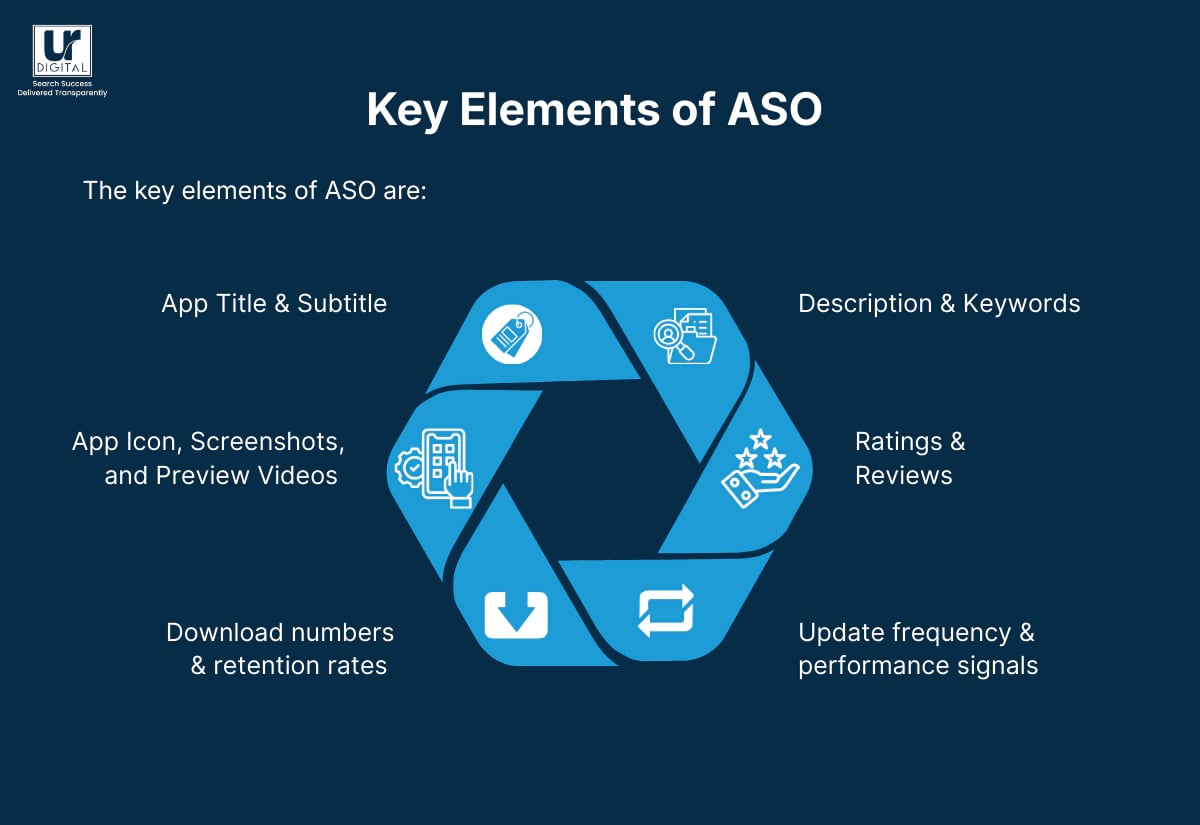
The key elements of ASO are:
- App Title & Subtitle
- Description & Keywords
- App Icon, Screenshots, and Preview Videos
- Ratings & Reviews
- Download numbers & retention rates
- Update frequency & performance signals
Apple App Store & Google Play Store Ranking Factors
Apple App Store Optimisation Ranking Factors
- The app name (30 chars) and subtitle (30 chars).
- The keyword Field (100 chars) for additional search terms.
- The rate of new installations done over a short period.
- Ratings and reviews volume and score.
- Performance in Apple Search Ads (ASA).
- Quality of screenshots and app preview video.
- Consistency and frequency of app updates.
Google Play Store Optimisation Ranking Factors
- App Name (50 chars) and short description (80 chars).
- Keyword relevance and density within the full description.
- User retention and engagement (sessions, time spent).
- Ratings and reviews quality and volume.
- Authority derived from external website links
- Quality of screenshots and promo video.
- Overall developer’s authority and consistent updates.
After understanding the factors for Play Store search optimisation, let’s learn how ASO works.
How ASO Works: 5 Simple Steps
1. Keyword Research
Start with your app’s core features and competitor apps. You can use ASO tools like Sensor Tower, App Radar, AppTweak, and MobileAction to find relevant keywords. Some other simple strategies you can follow are:
- Compare search volume vs. keyword difficulty and add long-tail keywords to capture intent-driven searches.
- Analyse user reviews of competitor apps to uncover the exact terms people use.
- Track seasonal or trending keywords to capture temporary spikes in searches.
- Add relevant keywords in the app’s title, subtitle, and description.
2. On-Metadata Optimisation
Title & Subtitle
Some practical strategies to optimise the title and subtitle are:
- Keep titles within the limits (30 for iOS, 50 for Google Play).
- Place the main keyword at the beginning for stronger ranking.
- Avoid keyword stuffing.
- Use the subtitle to show a clear user benefit (e.g., “Daily workout tracker”).
- Highlight what makes your app unique with simple, easy-to-read language.
Description
In descriptions, the first 3-4 lines are crucial to clearly explain why users must install them. Hence, it’s important that the description is impactful and engaging.
Some useful strategies to enhance the description are:
- Break content into short, scannable sections.
- Repeat important keywords naturally, without stuffing.
- Add a call-to-action (e.g., “Start tracking your workouts today”).
In this description, the content is broken down into smaller sections, enhancing readability and engagement.
App Icon
Keep the design clean and simple — no crowded text or overcomplicated details. Bold colours and strong shapes tend to work best, especially when scaled down to tiny sizes.
Some simple strategies for icons are:
- Stick to one focal image or symbol; avoid cramming multiple elements.
- Use strong contrast between foreground and background to make the icon pop.
Screenshots & Videos
- Show real app usage through lifestyle screenshots.
- You can also add short captions to highlight key features or benefits (e.g., “Track your sleep in one tap”).
[text_lm]
3. Off-Metadata & Technical Optimisation
Ratings & Reviews
Request a review after a positive user moment like completing an activity or making an in-app purchase. You can use a pop-up to do so. For example, for an online meditation app, once the customer completes a meditation session, you can show a pop up requesting the customer to leave a rating.
Once a client provides their review, always respond — thank users for good reviews and address issues in negative ones.
Backlinks (Google Play)
To get backlinks for your Google Play app, you can:
- Publish guest articles or app reviews on trusted, relevant sites
- List your app on reputable directories like Product Hunt or AppBrain
- Include clear Play Store links across your website, blog, and social channels.
Downloads
To increase downloads, some strategies are influencer partnerships and getting featured on blogs or targeted ads.
For example, you can run Apple Search Ads or Google App Campaigns to reach more users. The more people install your app, the higher your app will climb in rankings.
Retention
Retention comes from delivering value fast and keeping the app stable. For retention:
- Streamline onboarding: fewer steps, clear instructions, and instant value.
- Fix bugs fast and reduce crashes — both affect store visibility.
- Release regular updates that add useful features or polish existing ones to keep users engaged.
Technical Health
Some practical strategies to ensure technical health are:
- Test load times on both Wi-Fi and mobile data — users drop off if apps are slow.
- Keep navigation intuitive: fewer clicks, clear menus, smooth flow.
- Stay compliant with App Store and Google Play policies — violations can remove your app or block updates.
4. Testing Creative Elements
Run A/B tests on your icons, screenshot order, and colour schemes using Google Play Experiments or iOS testing tools. Another simple strategy is to refresh creatives regularly to avoid inattention from repeat visitors who may otherwise scroll past your listing.
5. Monitoring ASO Performance
Some strategies to monitor ASO performance are:
- Track keyword rankings weekly to spot gains or drops.
- Analyse conversion rates such as how many people land on your app page vs. how many installations. Then, measure them by comparing impressions vs installs (for e.g., in App Store Connect (Apple) vs. Google Play Console (Android).
- Monitor reviews and ratings sentiment using analytic tools like Firebase to identify recurring issues.
- Study retention and churn metrics to see if downloads turn into long-term users.
- Use these insights to repeat the process.
Common Mistakes to Avoid
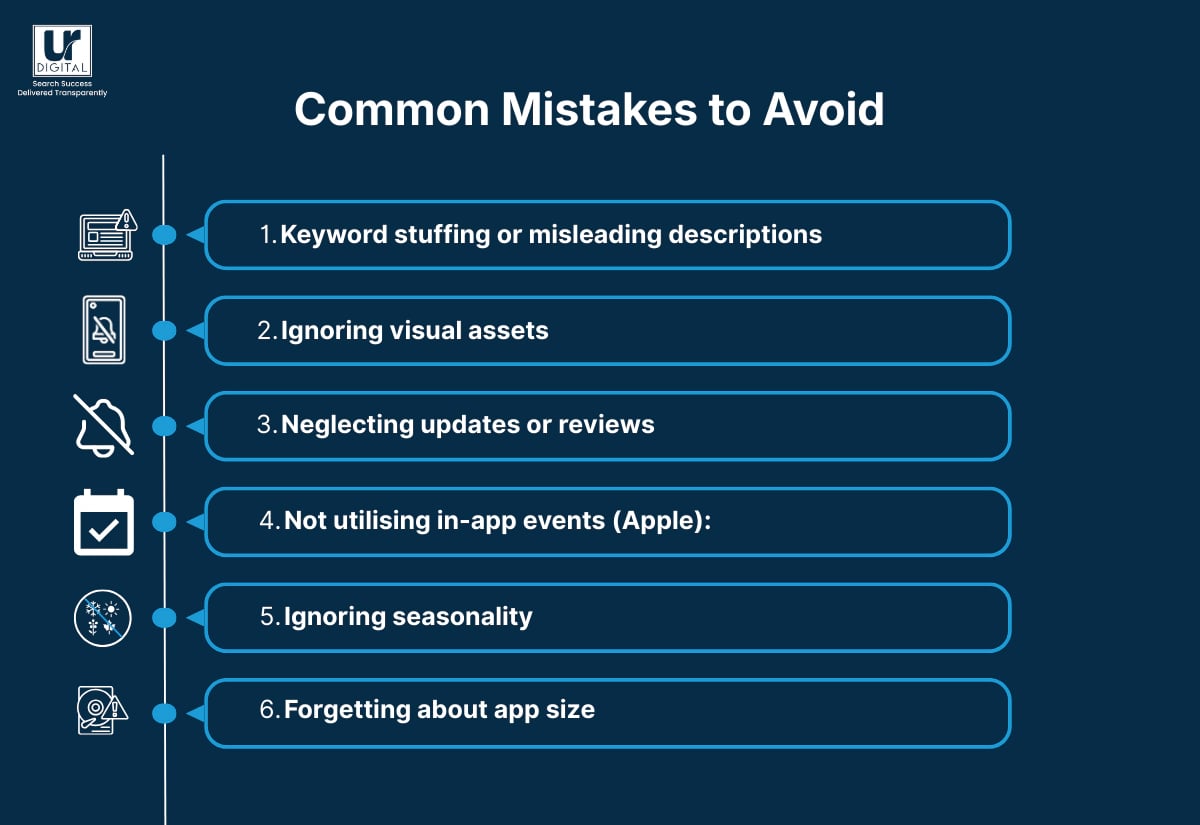
- Keyword stuffing or misleading descriptions
Overloading keywords or writing inaccurate copy makes listings hard to read, hurts rankings, and leads to bad reviews.
- Ignoring visual assets
Low-quality or outdated icons, screenshots, and videos reduce trust and download likelihood.
- Neglecting updates or reviews
Skipping updates signals a stale app; failing to encourage or respond to reviews damages credibility.
- Not utilising in-app events (Apple):
Missing out on event cards means lost visibility and engagement opportunities.
- Ignoring seasonality
Failing to refresh keywords and visuals for holidays or trends misses short-term demand boosts.
- Forgetting about app size
Large file sizes discourage downloads, especially where storage or internet speed is limited.
[text_lm]
Real World Example
1. The Challenge
Spacetalk had a strong product – an app with advanced family tracking features – but their listings weren’t showing up for the searches that mattered. Parents looking for tracking apps simply weren’t finding them.
2. Our Approach
We dug into their product features, analysed four top competitors, and identified 19 high-intent keywords that their audience was already searching for. Using these insights, we built a metadata-first optimisation strategy that reshaped their titles, subtitles, and descriptions.
3. The Outcome
- Achieved rankings for critical keywords like “family tracking app” and “family tracking app free”.
- Boosted visibility across all 19 researched high-intent keywords.
- Delivered a strategy directly informed by competitor analysis and real-world search behaviour.
Conclusion
Now that you understand what App Store Optimisation (ASO) is, the next step is putting it into action. This is where UR Digital can help.
We optimise your app listing on the Apple App Store and Google Play Store, making it easier for more users to find you.
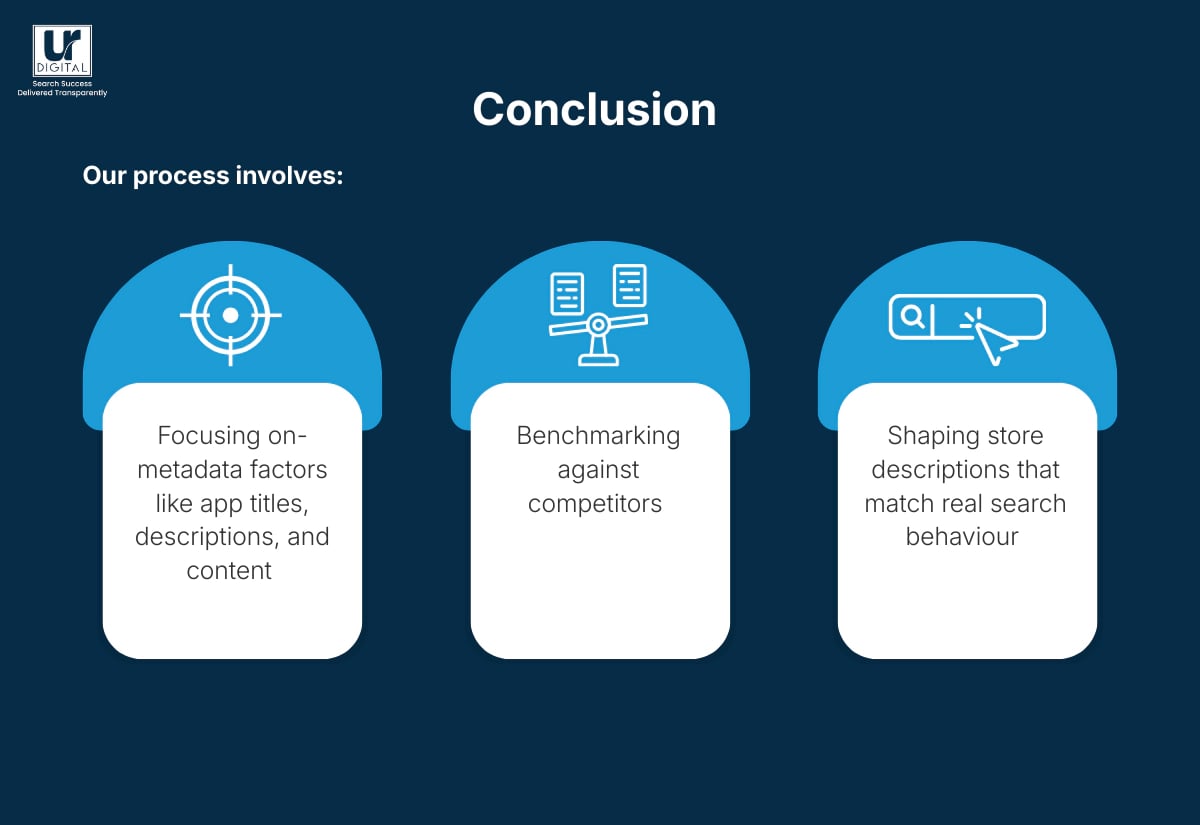
Our process involves:
- Focusing on-metadata factors like app titles, descriptions, and content
- Benchmarking against competitors
- Shaping store descriptions that match real search behaviour
To keep you informed, we track performance directly in Google Play Console and App Store Connect. Whether you want to do localised ASO for Australia’s location or international ASO for other countries, we can do it for you.
Want to take the next step? Get in touch with us today. Or, if you’d like to explore further, visit our ASO service page to learn more about costs and our full offering.
FAQs
What tools are best for technical Android app store optimisation?
Top app store optimisation tools include Google Play Console, AppTweak, Sensor Tower, MobileAction, and AppFollow for review monitoring
Is ASO the same as SEO?
No, ASO (App Store Optimisation) focuses on improving your app’s visibility in app stores, while SEO is about ranking websites in search engines. They share similarities like keyword optimisation, but ASO is tailored to app store algorithms and user behaviour.
How much does it cost to optimise the app store?
You can optimise details like optimise titles, descriptions, and visuals for free. However, if you’re hiring an app store optimisation agency, the cost will vary, depending on the services offered. UR Digital charges $250/hr (ex-GST) for ASO.
How does app store optimisation impact downloads?
ASO makes your app more visible in search results, which leads to more organic downloads. It also improves click-through rates by aligning titles and descriptions with what users actually search.
How often should you update ASO?
ASO should be reviewed regularly, ideally every quarter or when trends and competitors shift. Frequent updates keep your app competitive and relevant. For faster and effective results, consider hiring app store optimisation agencies like UR Digital.
How to increase mobile app downloads?
Use keyword-rich titles, strong visuals, and accurate descriptions to improve discoverability and conversion. Pair ASO with paid campaigns and encourage user reviews to boost installations. For the best results for your app, consider selecting a reliable appstore optimisation company like UR Digital.
How does app store optimisation affect user ratings?
ASO doesn’t change ratings directly but helps attract the right users by setting accurate expectations. This often leads to better reviews and higher scores.
Why is mobile optimisation important?
Mobile optimisation is important to ensure your app is discovered by more users on the the mobile. Without it, your app risks losing search ranking and downloads. For best results, consider hiring a top app store optimisation company like UR Digital.
What is crucial for optimising mobile app performance?
Strong metadata, smooth app performance, and engaging creatives are essential for ASO success. Tracking results in Google Play Console and App Store Connect ensures ongoing improvements.
Disclaimer
The contents of this blog are for informational and educational purposes only. They do not constitute professional SEO, GEO, AEO, ASO, or digital PR advice and should not be relied upon as such. We recommend consulting with an SEO expert before implementing any strategies. UR Digital accepts no responsibility or liability for any outcomes resulting from actions taken in reliance on the information contained in this content. Links to third-party websites are provided for reference purposes only. We do not endorse or guarantee the accuracy, relevance, or completeness of their content.